> For the complete documentation index, see [llms.txt](https://docs.radiant.capital/radiant/llms.txt). Markdown versions of documentation pages are available by appending `.md` to page URLs; this page is available as [Markdown](https://docs.radiant.capital/radiant/project-info/markets/deposit/deposit-1.md).
# Withdraw assets
Remove your assets from the lending pools.
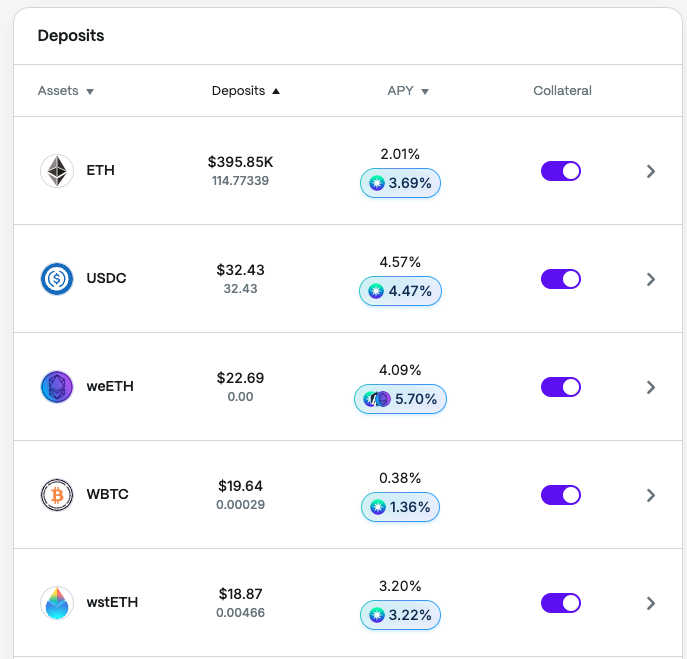
To withdraw an asset, navigate to the **Dashboard** and select the asset you wish to withdraw.
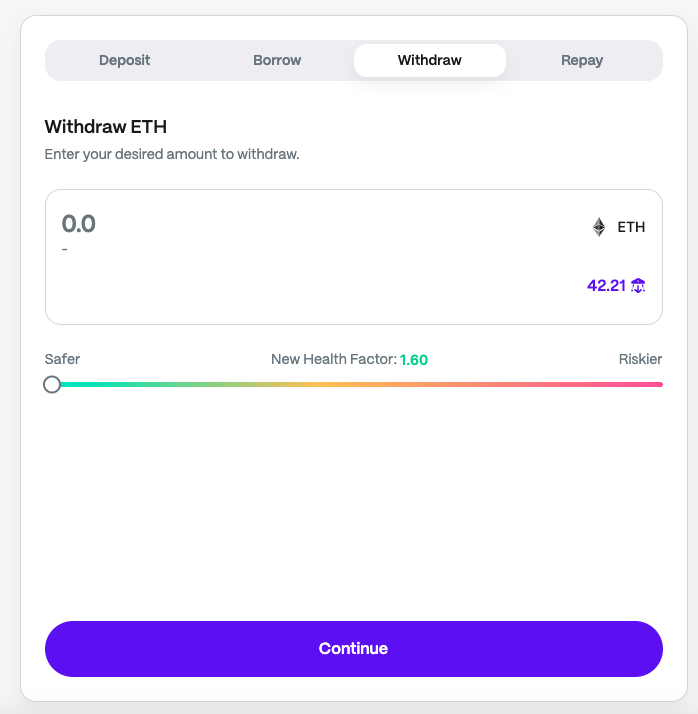
This will initiate the **asset details** screen, then click "Withdraw."
Select the desired amount and submit the transaction.
Be sure there is enough (unborrowed) liquidity in the protocol in order to withdraw. Should this not be the case, you would need to wait for more liquidity to be provided by depositors, or from borrowers repaying their loans for you to be able to withdraw the initial desired amount.
You can withdraw your collateral-enabled assets, as long as:
1. Those funds are not actively being used to borrow against.
2. The withdrawal would not cause a liquidation on your loans.